Travel passes
Ask for a travel pass or roaming add-on before a trip, from Inventory or the employee self-service page; it becomes a draft order and goes straight to your account manager.
In the app:Inventory Self-service portal Orders
Roaming by the minute or megabyte is expensive. A travel pass asked for before the trip usually costs a fraction. Anyone who can edit in your organization can ask for one from Inventory, and employees can ask for themselves from their self-service page.
Each request:
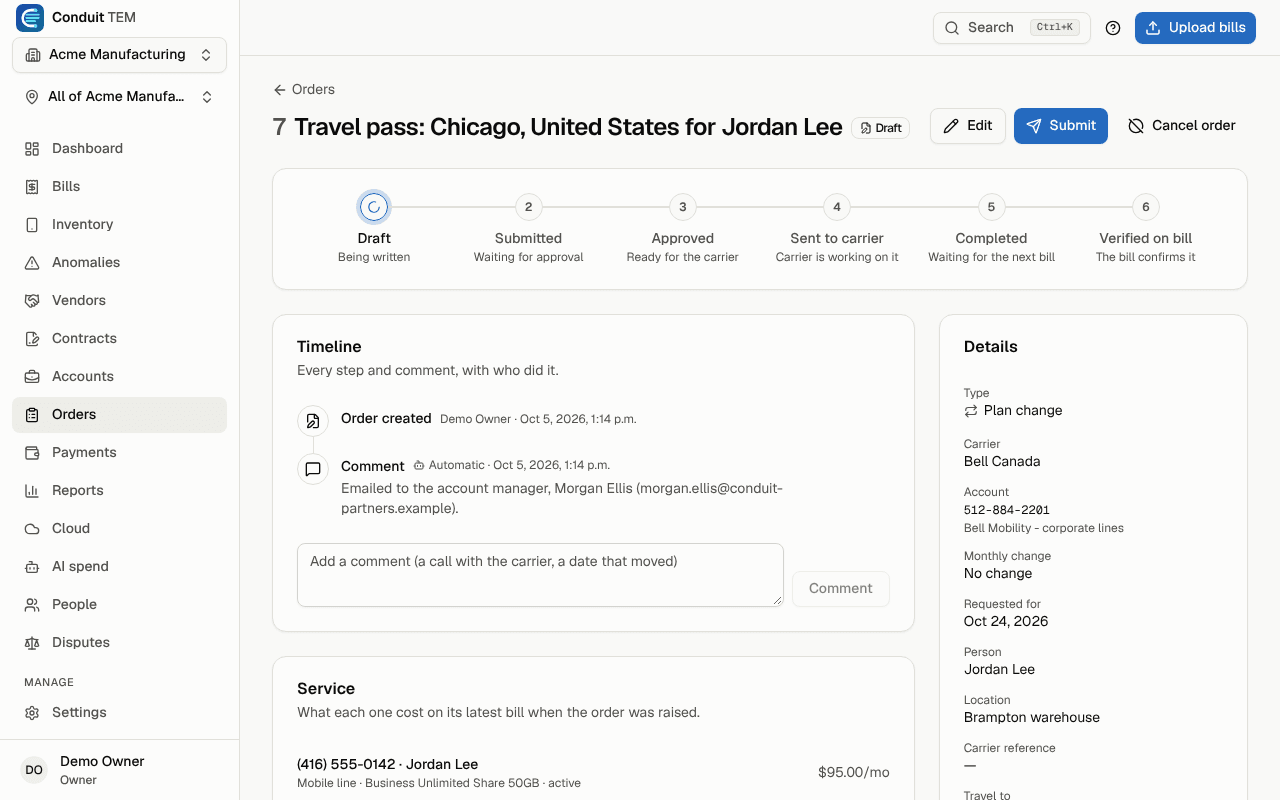
- becomes a Draft order on the line, of type Plan change, with the destination, dates and needs, so it stays on record next to your other carrier orders;
- is emailed to your account manager with everything needed to set it up: carrier, account, line, current plan, traveller, destination, dates, what they need and how much data. Their reply goes to the person who asked.
Without an account manager on file, the draft waits on Orders for your team to send to the carrier.
Ask from Inventory
- Go to Inventory and select the mobile line.
- Select Travel pass.
- Enter Where are you going?, the Leaving and Back dates, What do you need? (calls, texts and data, data only, or calls and texts only) and How much data?
- Add anything else under Anything else?: several countries, a cruise, a hotspot for the team.
- Select Send request.
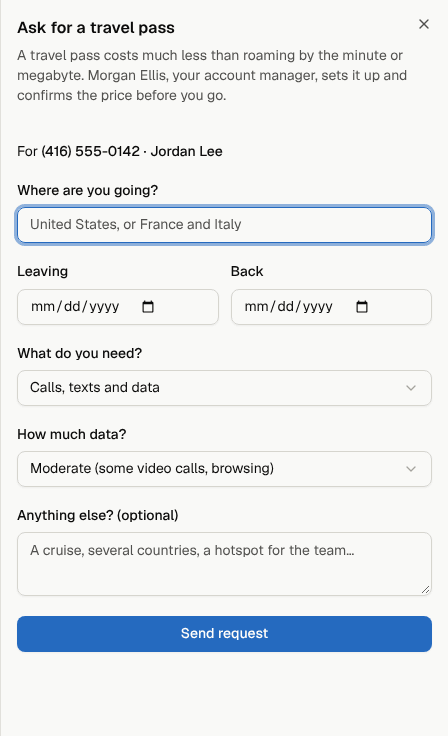
A request covers up to 180 days; for a longer stay, ask about a plan change instead. A trip already under way can still ask: passes can start mid-trip.
Ask from the self-service page
On their page, employees select Travel pass, pick the line if they have more than one, and fill in the same form. Managers can ask for anyone on their team from My team. Owners and admins also get the usual email about a self-service request.
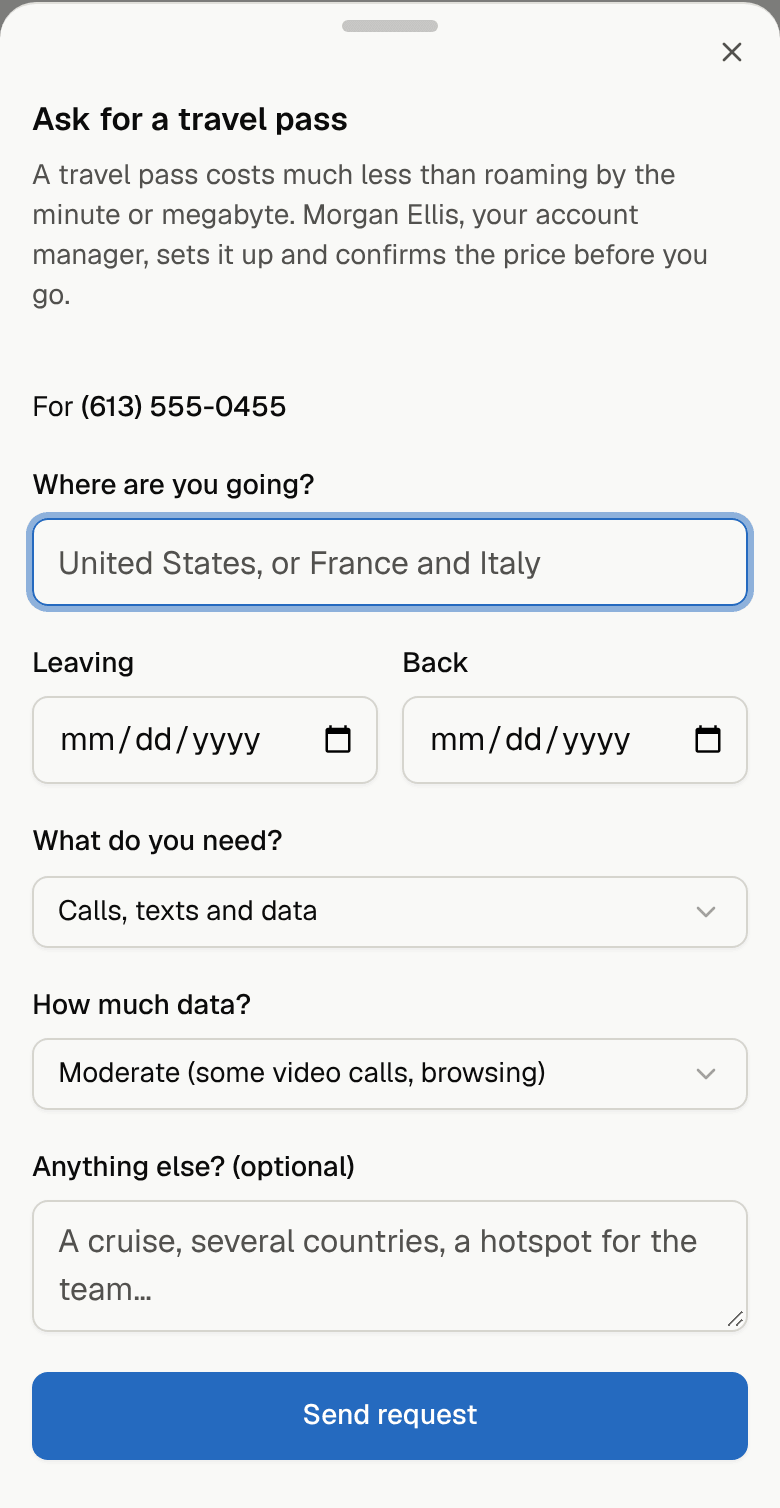
Follow it
The order shows the trip under Travel to, Dates, Needs and Expected data use, and its history notes when it was emailed to the account manager. When the account manager confirms the pass, record their reference, mark the order completed or cancel it as you would any order.